
AI Blur Remover for Clearer Headshots
Rescue slightly soft portraits when motion, compression, or low light stole sharpness. Recover eye detail and fabric texture so your headshot holds up on large displays.
Create Your Best
AI Headshots Ever
In 4 Easy Steps Create Your Best AI Headshots Ever In 4 Easy Steps
Transform your photos into professional portraits using our AI.

Upload your photos
Clear, well-lit pictures work the best.
Select your styles
Customize attires & backgrounds.
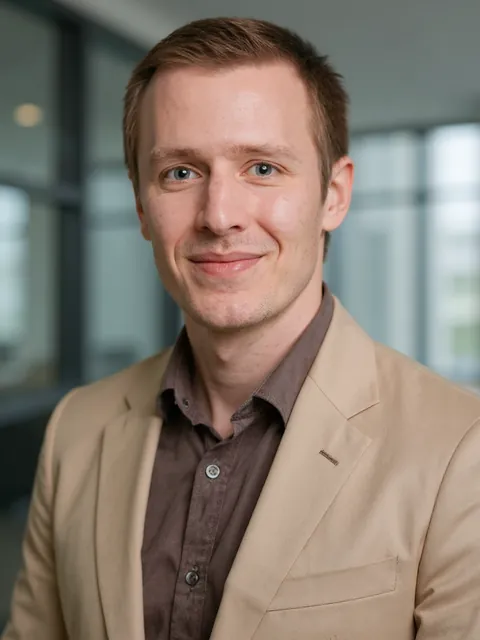
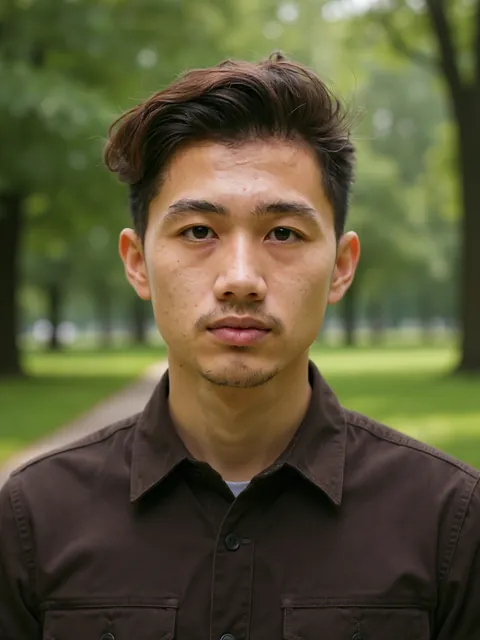
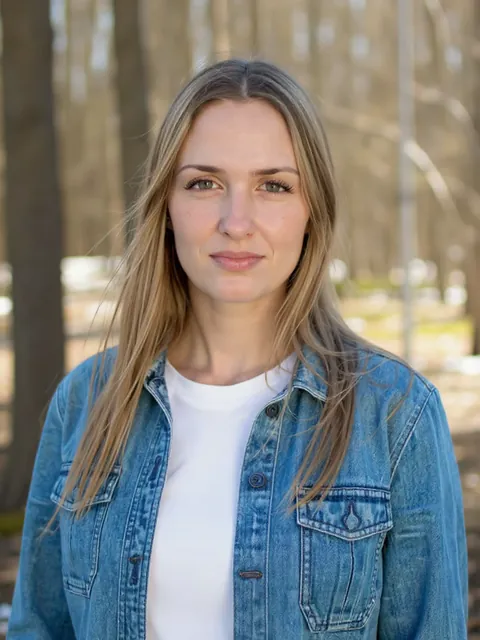
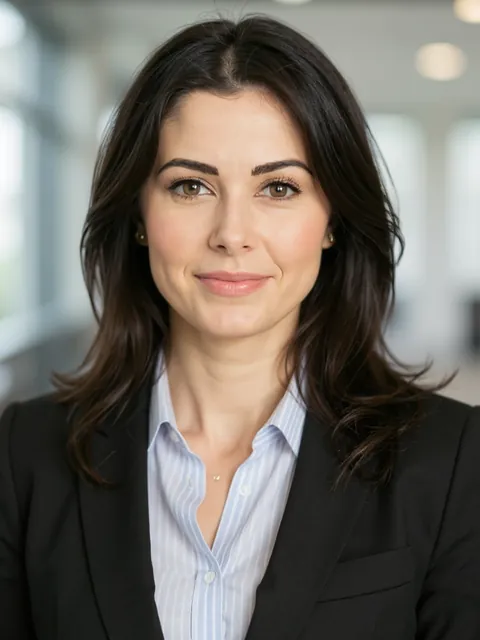
AI generates your gallery
Studio-quality portraits in minutes. Tuned to lighting, attire & background.
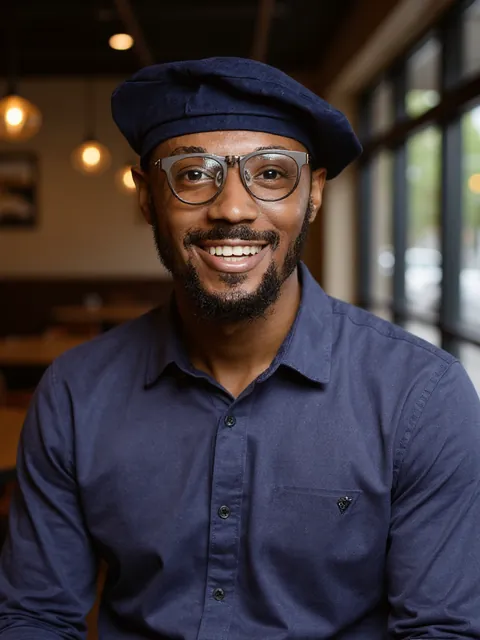

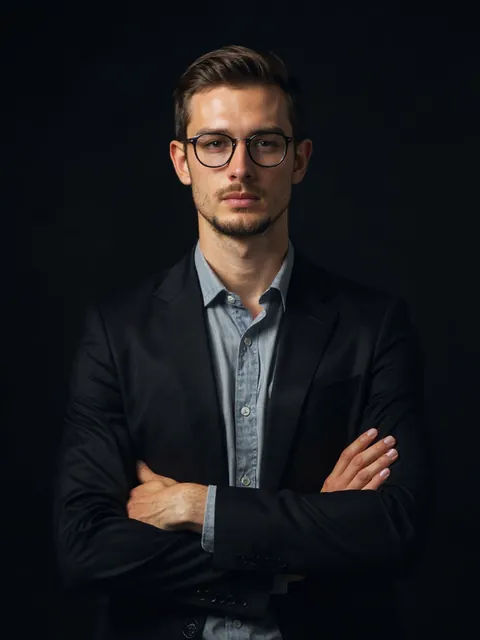
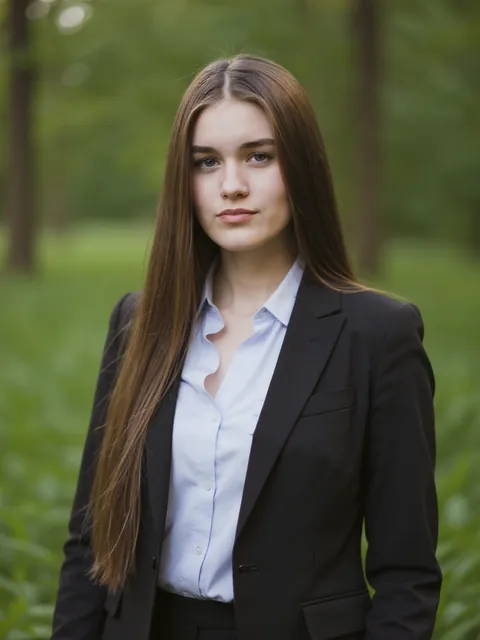
Download Your Headshots
Download up to 100 headshots - ready to use right away!
A blurry profile photo suggests carelessness. But sometimes your best expression is a touch soft-minor camera shake, aggressive crop, or platform recompression. Blur Remover reconstructs edge detail where classical sharpening only adds halos.
Common blur problems in headshots
Phone selfies at arm's length, indoor dim light, or downloading a small LinkedIn thumbnail for reuse can all soften files. If likeness and framing are right, deblur before you discard an otherwise perfect portrait.
Portrait-aware sharpening
Our model prioritizes eyes, brows, and smile lines-the features humans scan first. Background blur from professional bokeh is preserved; only unwanted softness on the subject is addressed.
When to deblur vs. regenerate
For Prime Headshots generations, you usually have many sharp alternatives. Deblur shines on uploaded legacy photos or favorites that need a technical fix. New users should still start at Create for optimal source material.
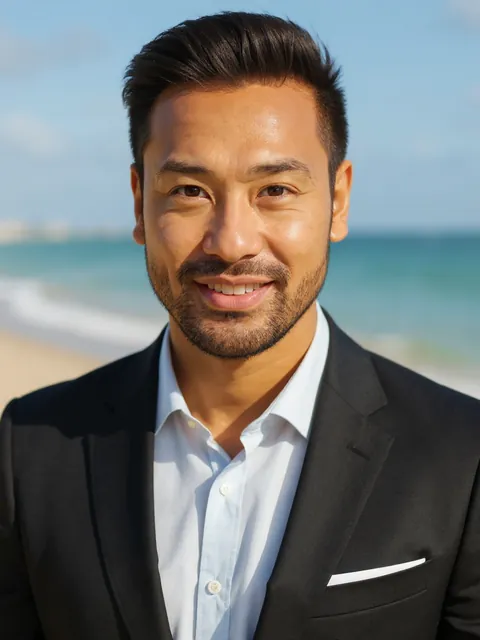
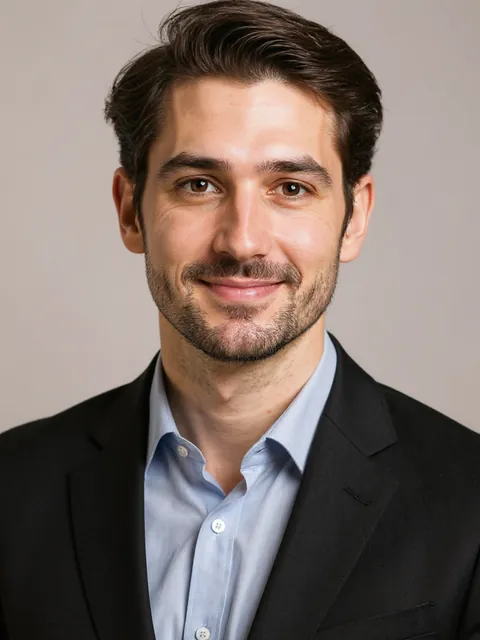
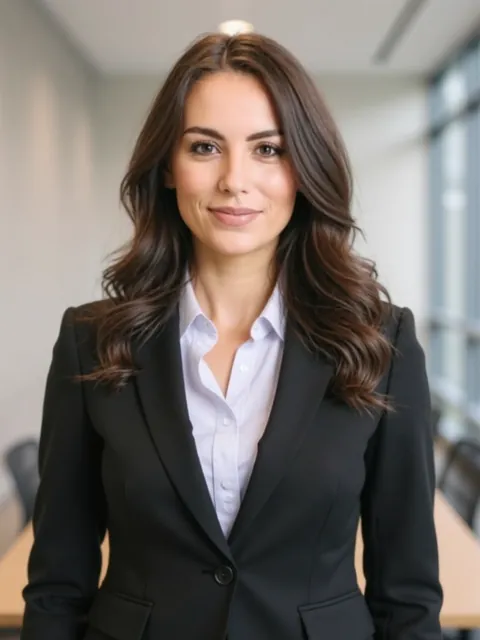
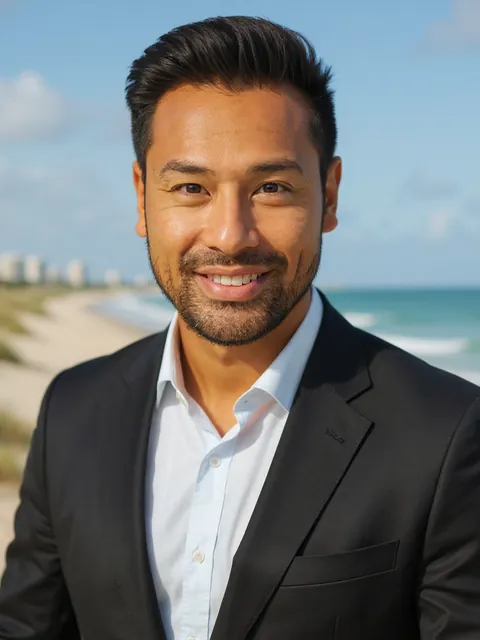
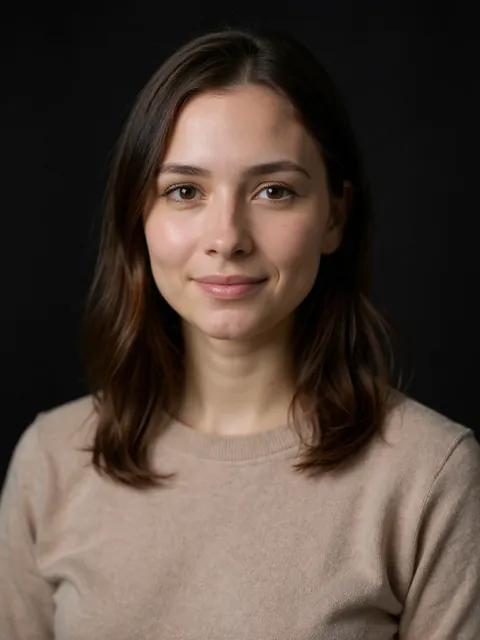
Blur Remover before and after example on Prime Headshots
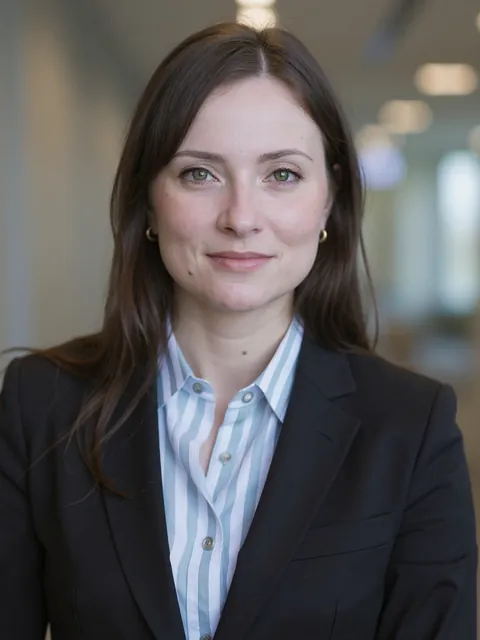
Professional photo edited with Blur Remover AI tool
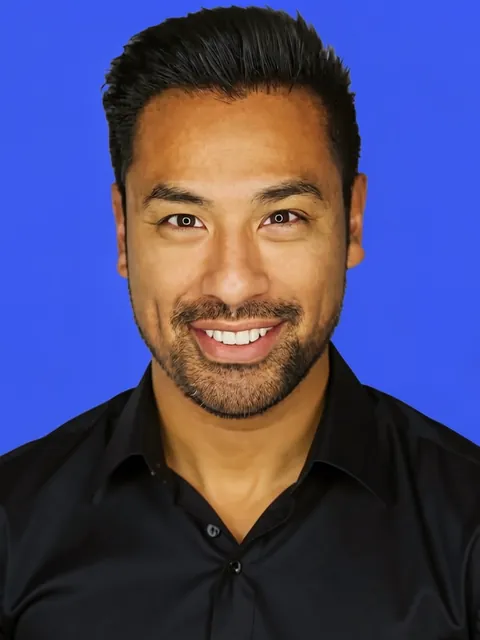
AI-generated professional headshot showcase from Prime Headshots
AI-generated professional headshot showcase from Prime Headshots
Sharpening Your Professional Portrait Library
Apply deblur once and compare at 100% zoom. If noise appears, follow with AI Photo Enhancer for balanced tone.
Resolution and upscaling
After deblur, use AI Photo Upscaler for larger deliverables. Read more at Professional Headshots.
Prevent blur at capture
When uploading selfies for generation, use stable poses and even lighting. Our LinkedIn Headshots guide covers capture tips that reduce need for fixes later.
Loved by professionals worldwide
Thousands of individuals use PrimeHeadshots for LinkedIn, resumes, and team pages.
“I got 40 polished headshots in under 10 minutes. The quality is indistinguishable from my last professional shoot - at a fraction of the cost.”
“As a remote engineer I never had a good LinkedIn photo. PrimeHeadshots gave me studio-quality options I can actually use everywhere.”
“Rebranding my whole team used to take weeks. Now everyone gets consistent, on-brand headshots without leaving their desk.”
Professional-grade photoshoots for
a fraction of the cost
Professional photoshoots in the US cost an average of $250 for a one-hour session. Save time and money with our high-tech solution.
Starter
- 40 headshots
- 15 mins generation time
- Choice of 3 attires
- Choice of 3 backgrounds
- HD resolution
Pro
83% pick this plan- 60 headshots
- 2 AI Edits
- 10 mins generation time
- Choice of 6 attires
- Choice of 6 backgrounds
- FHD+ resolution
Premium
Best Value- 100 headshots
- 5 AI Edits
- 5 mins generation time
- All attire options
- All background options
- HDR print quality
Why choose Prime Headshots?
See how we stack up against traditional studio photography.
Reimagine yourself with Prime Headshots
Whether for corporate profiles, social media, or creative portfolios, our AI adapts to your needs.
We've been in the news:
We keep your data safe
At Prime Headshots, data privacy is not just consideration. We use industry leading practices to ensure your data is handled safely.
You're in control
As an Enterprise product, we promise to never sell your data or use your data to train AI models in any manner.
Enterprise Security
Built to the highest security standards for Fortune 500 companies. We are completely CCPA & GDPR compliant.
Secure Privacy
Your photos are strictly yours. We adhere to steadfast privacy policies to fiercely protect your organization's data.
Frequently Asked Questions
Trusted by professionals worldwide
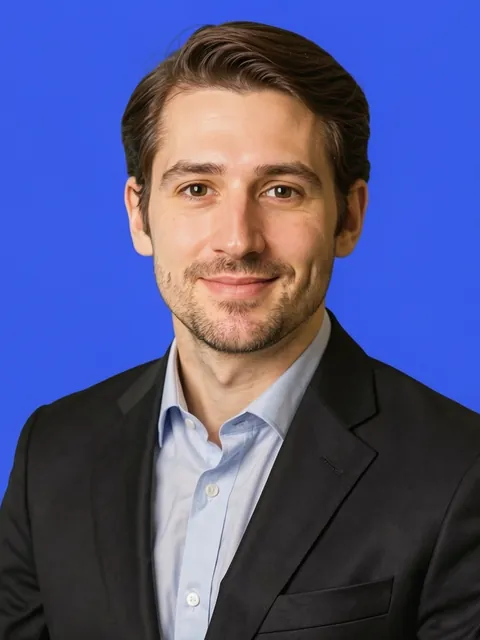
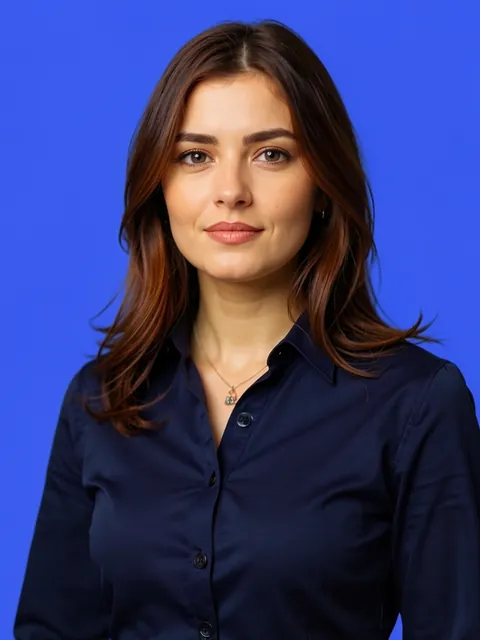
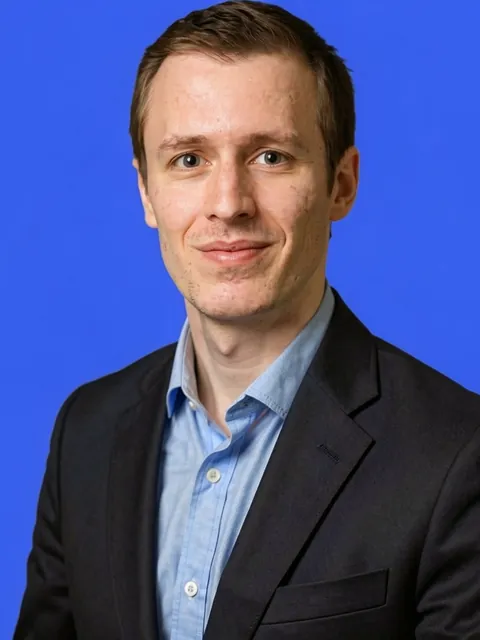
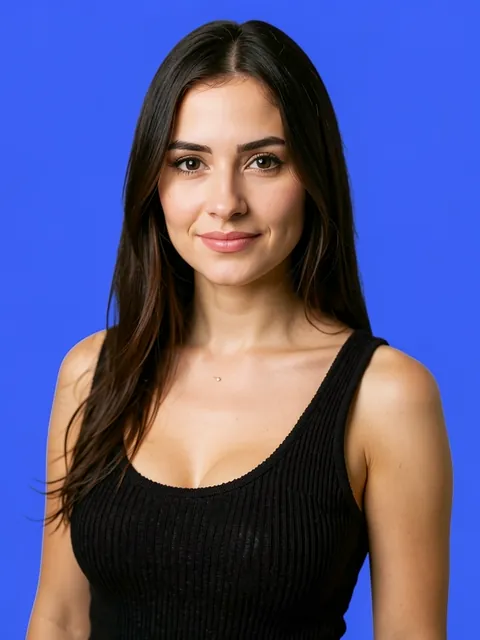
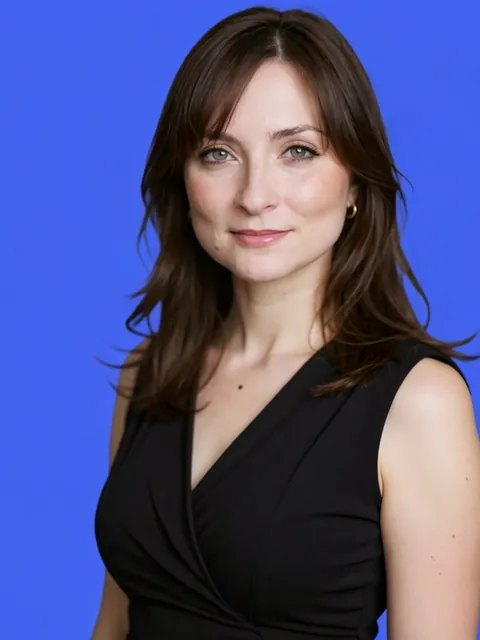
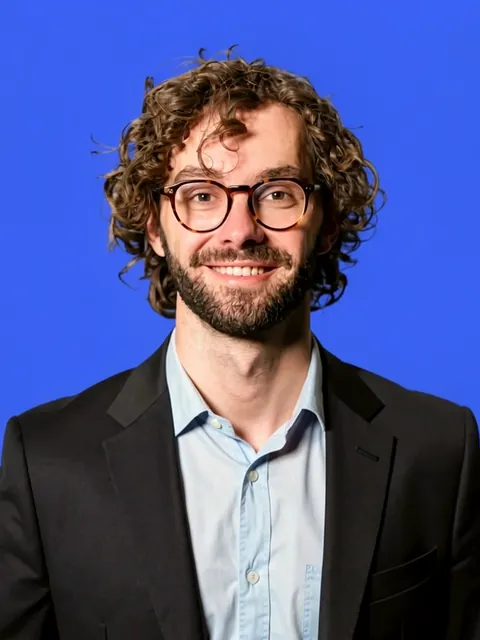
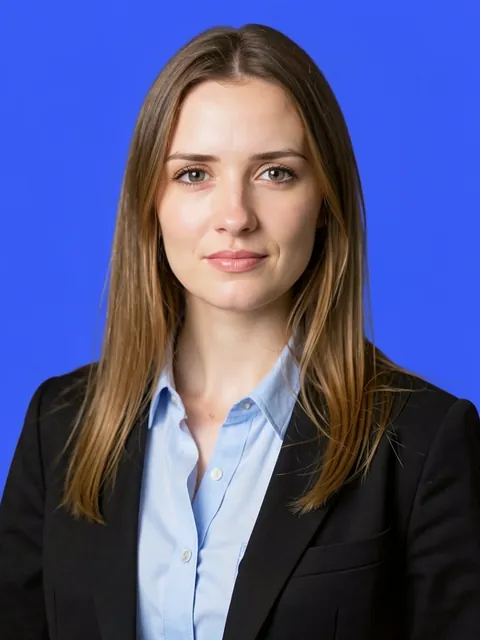
Thousands of customers trust our AI for their LinkedIn and professional profiles.
Get your photos in minutes, not days. Perfect for last-minute deadlines.
Your photos are yours. We adhere to strict privacy policies to protect your data.