
AI Watermark Remover for Clean Images
Remove distracting watermarks, date stamps, and overlay logos from photos you have the rights to edit. Prime Headshots reconstructs the area underneath so your image looks clean and professional.
Create Your Best
AI Headshots Ever
In 4 Easy Steps Create Your Best AI Headshots Ever In 4 Easy Steps
Transform your photos into professional portraits using our AI.

Upload your photos
Clear, well-lit pictures work the best.
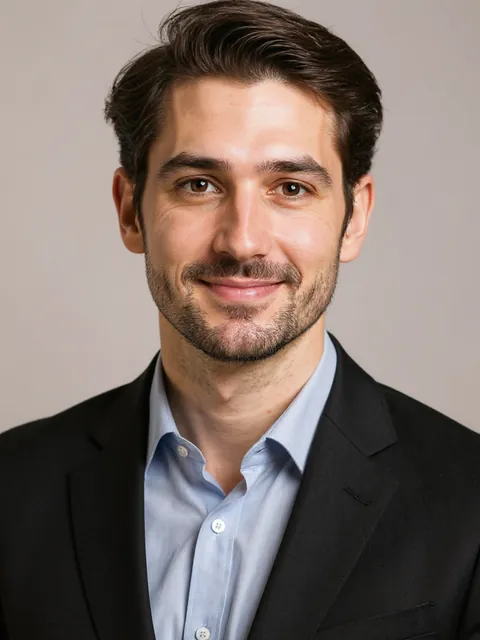
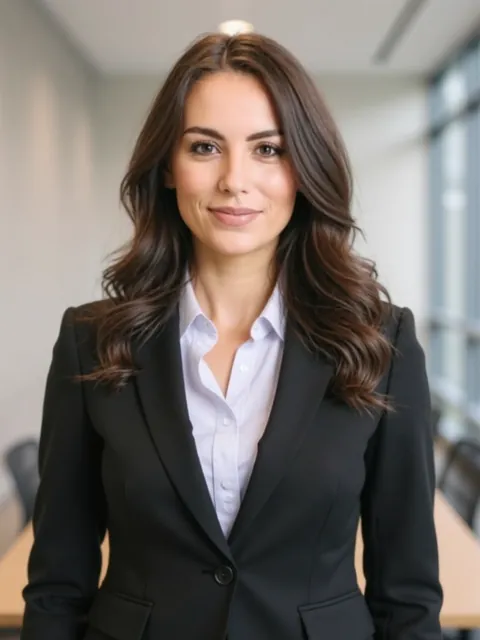
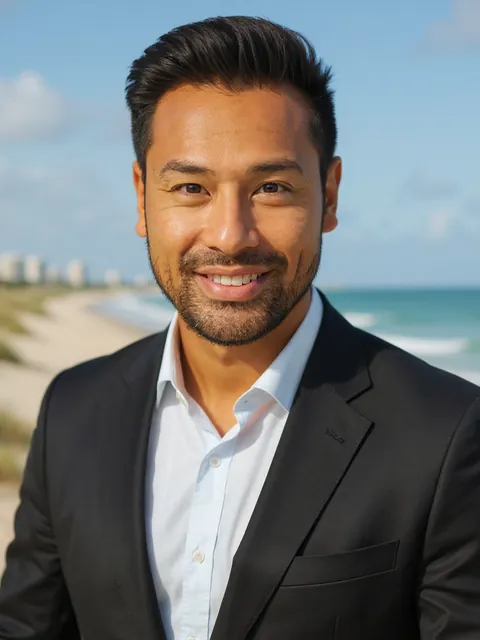

Select your styles
Customize attires & backgrounds.

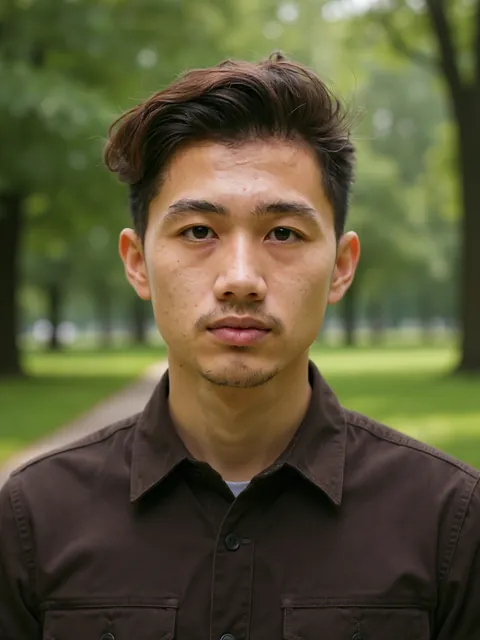
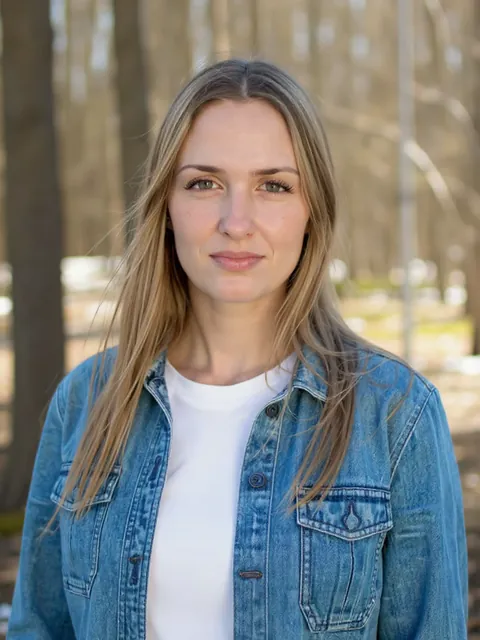

AI generates your gallery
Studio-quality portraits in minutes. Tuned to lighting, attire & background.
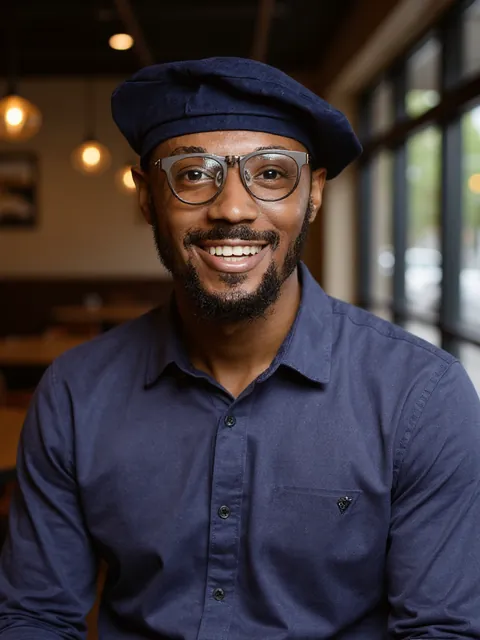

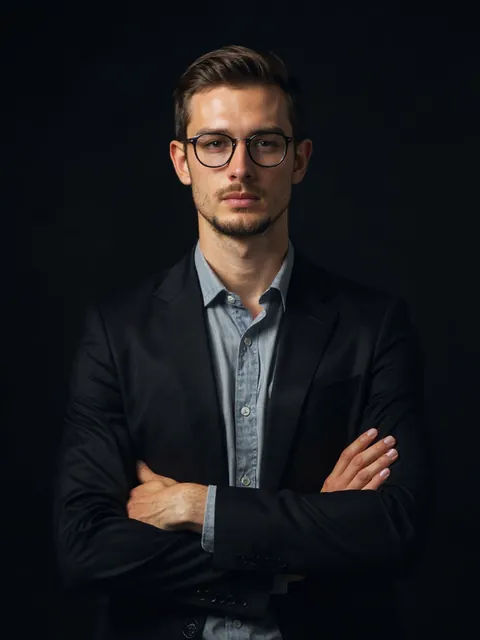
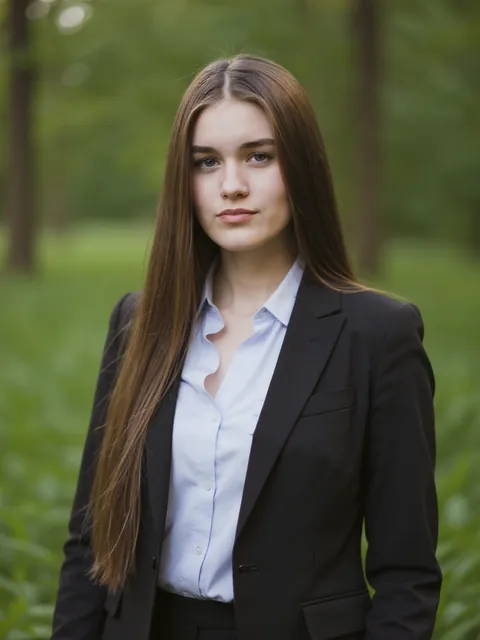
Download Your Headshots
Download up to 100 headshots - ready to use right away!
Watermarks, timestamps, and overlay logos clutter otherwise usable images. The AI Watermark Remover detects the marked region, removes it, and rebuilds the underlying texture-skin, fabric, or background-so the result looks untouched.
Use it only on images you own
Please remove watermarks only from photos you have the right to edit, such as your own portraits, proofs you have purchased, or images you created in Prime Headshots. Removing watermarks from others' copyrighted work is not permitted.
How clean removal works
The tool analyzes pixels around the watermark and reconstructs matching detail rather than smearing or blurring. This is especially important over faces and shallow-depth backgrounds where crude erasing is obvious.
Polish after removal
Pair with Object Remover for stray elements and AI Photo Enhancer for a crisp final export.

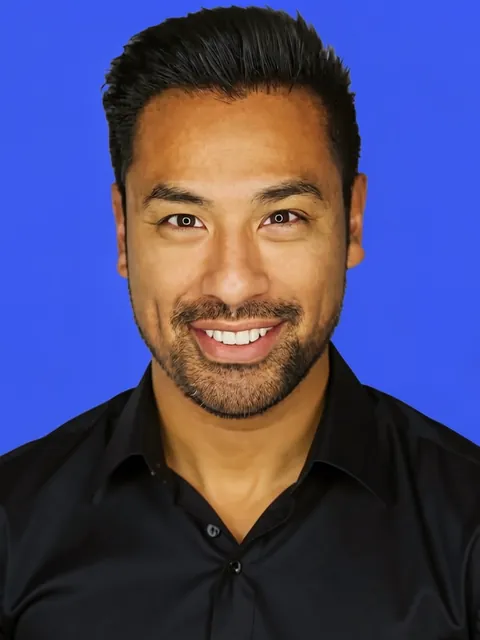
Professional photo edited with Watermark Remover AI tool
AI-generated professional headshot showcase from Prime Headshots
AI-generated professional headshot showcase from Prime Headshots
AI-generated professional headshot showcase from Prime Headshots
Watermark Removal Best Practices
Work from the highest-resolution copy you have, and remove the watermark before cropping so the AI has surrounding context to rebuild from. Inspect edges at full zoom.
Related cleanup tools
For text and signage, use the Text Remover. For larger unwanted objects, try Magic Eraser.
Professional standards
Clean, distraction-free portraits perform best on profiles and proposals. See Professional Headshots for the full create-then-edit workflow.
Loved by professionals worldwide
Thousands of individuals use PrimeHeadshots for LinkedIn, resumes, and team pages.
“I got 40 polished headshots in under 10 minutes. The quality is indistinguishable from my last professional shoot - at a fraction of the cost.”
“As a remote engineer I never had a good LinkedIn photo. PrimeHeadshots gave me studio-quality options I can actually use everywhere.”
“Rebranding my whole team used to take weeks. Now everyone gets consistent, on-brand headshots without leaving their desk.”
Professional-grade photoshoots for
a fraction of the cost
Professional photoshoots in the US cost an average of $250 for a one-hour session. Save time and money with our high-tech solution.
Starter
- 40 headshots
- 15 mins generation time
- Choice of 3 attires
- Choice of 3 backgrounds
- HD resolution
Pro
83% pick this plan- 60 headshots
- 2 AI Edits
- 10 mins generation time
- Choice of 6 attires
- Choice of 6 backgrounds
- FHD+ resolution
Premium
Best Value- 100 headshots
- 5 AI Edits
- 5 mins generation time
- All attire options
- All background options
- HDR print quality
Why choose Prime Headshots?
See how we stack up against traditional studio photography.
Reimagine yourself with Prime Headshots
Whether for corporate profiles, social media, or creative portfolios, our AI adapts to your needs.
We've been in the news:
We keep your data safe
At Prime Headshots, data privacy is not just consideration. We use industry leading practices to ensure your data is handled safely.
You're in control
As an Enterprise product, we promise to never sell your data or use your data to train AI models in any manner.
Enterprise Security
Built to the highest security standards for Fortune 500 companies. We are completely CCPA & GDPR compliant.
Secure Privacy
Your photos are strictly yours. We adhere to steadfast privacy policies to fiercely protect your organization's data.
Frequently Asked Questions
Trusted by professionals worldwide

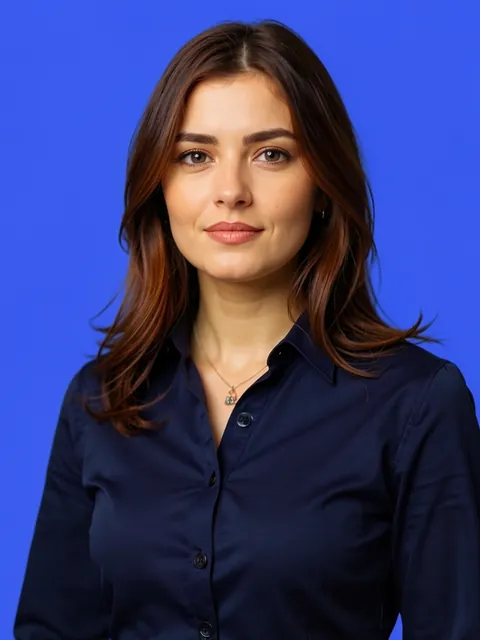
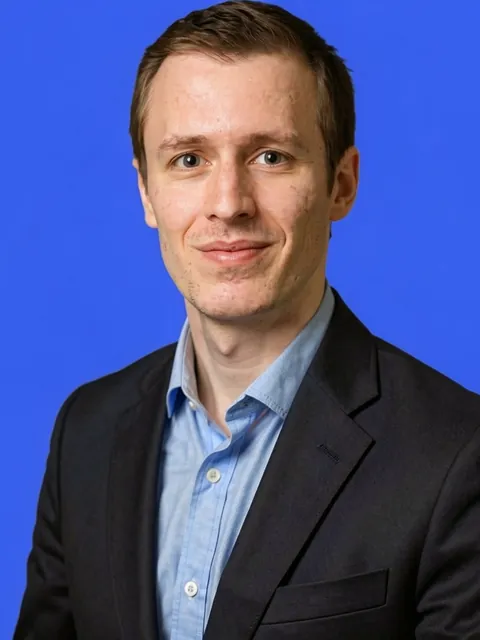
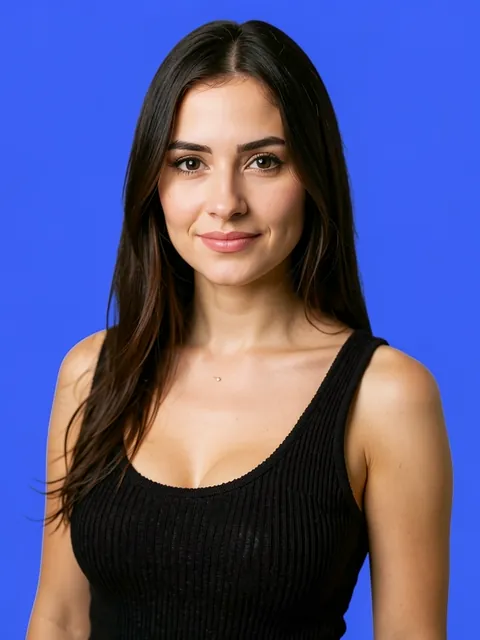


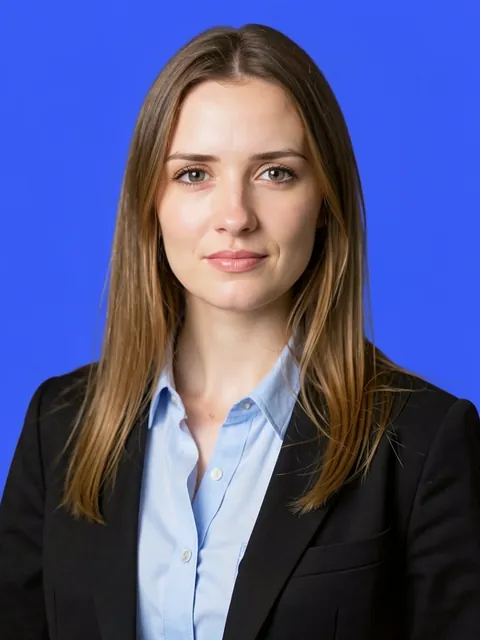
Thousands of customers trust our AI for their LinkedIn and professional profiles.
Get your photos in minutes, not days. Perfect for last-minute deadlines.
Your photos are yours. We adhere to strict privacy policies to protect your data.